
Files
Simulator
SummaryWatch the needle path, fix sew order, add or skip a trim, and see where the machine stops.
Simulator plays the stitch path the machine will sew. Use it to check order, jumps, and trims before you export.
Simulator sits under the hoop. It is unavailable until the hoop has stitches.
Play
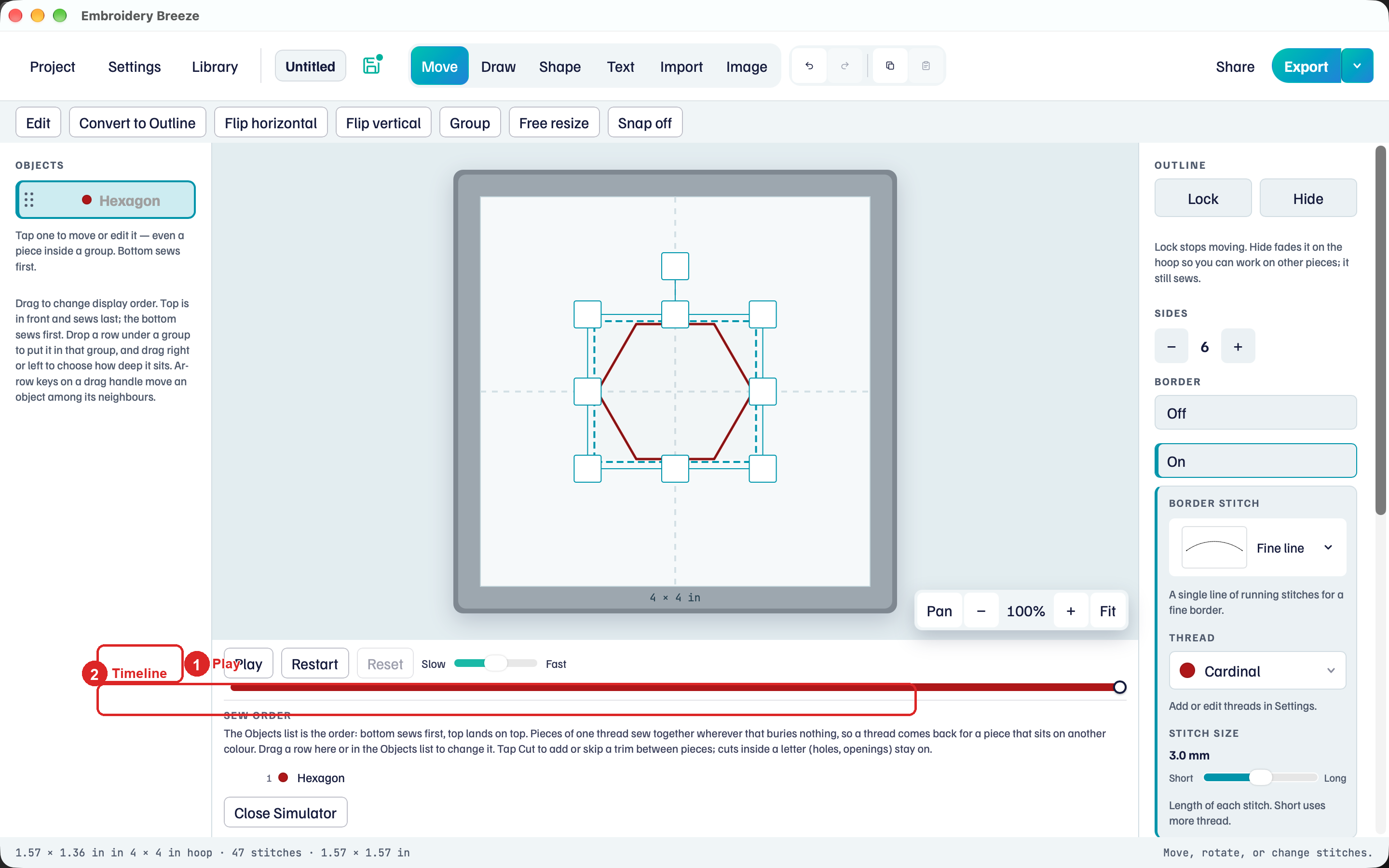
- Click Simulator.
- Click Play. Stitches appear in sew order.
- Pause stops. Restart returns to the start. Reset shows the finished sew-out.
- Drag Slow toward Fast for play speed. Drag the stitch timeline to scrub.
The color bar on the timeline is the thread sequence. Close Simulator returns to the hoop with the same selection.
Sew order
Sew order is the Objects list from the bottom up. Pieces of one thread gather together wherever that buries nothing, so a thread comes back for an object that sits on another colour.
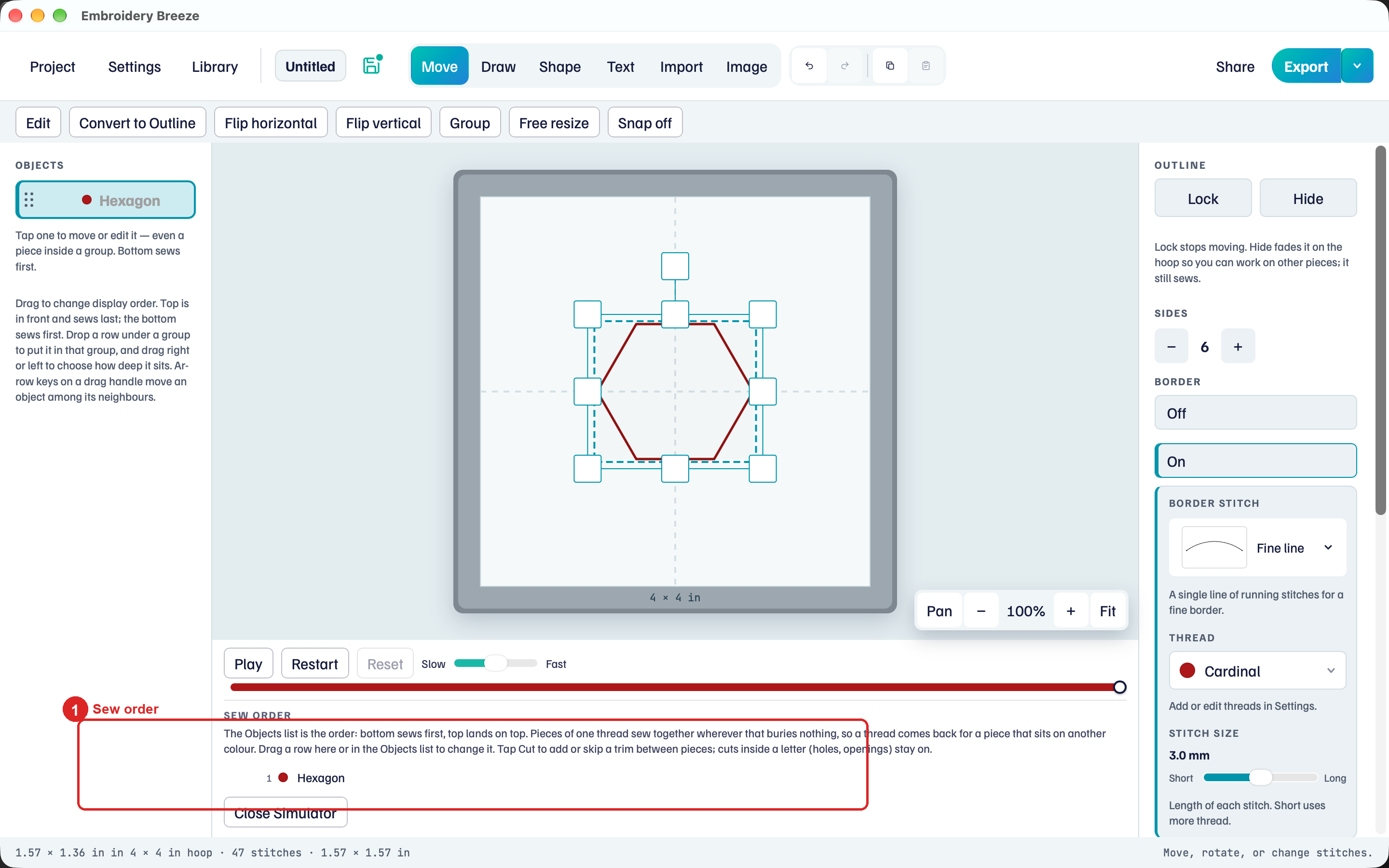
The heading is Sew order. Drag a row here or in Objects to change when it sews. There is no separate Optimize.
Cut
Every row after the first has a button for the trim before that object. It reads:
- Cut: the machine trims the thread here.
- No cut: the needle travels on without a trim.
- Thread change: a new thread always cuts, so this one cannot be changed.
- Find the row for the later object.
- Tap No cut to add a trim before it, or tap Cut to skip that trim.
Cuts inside a letter (holes, openings) stay on. A row notes how many cuts sit inside that piece.
Quality notes appear on a row when a fill or border is too detailed. Zoom in on the hoop, then change density or pattern size, and play again.
Machine stops
A shape filled with Appliqué makes the machine stop so you can place or trim fabric. Play pauses at each stop and says what to do.
- Placement stop: lay the fabric over the outline so it covers it, or lay your pre-cut piece on the outline.
- Trim stop: take the hoop off without unhooping the fabric, and trim the fabric close to the stitching.
Press Play to go on. With Pre-cut pieces there is no trim stop. Fabric, cutting, and cover settings are in Appliqué.
Objects you Hide or Lock still sew: Select, move, and lock.